How to
Put a customer on your books
How to put a customer on your books in Adminmate: a few taps on your phone, a name is all it needs to start, and the rest when you have it.
Step by step
The steps
- Tap the plus.
- New customer. A name is the only must.
- Add a phone and an address if you have them.
- Add customer. They're on your books.
More clips
Watch next
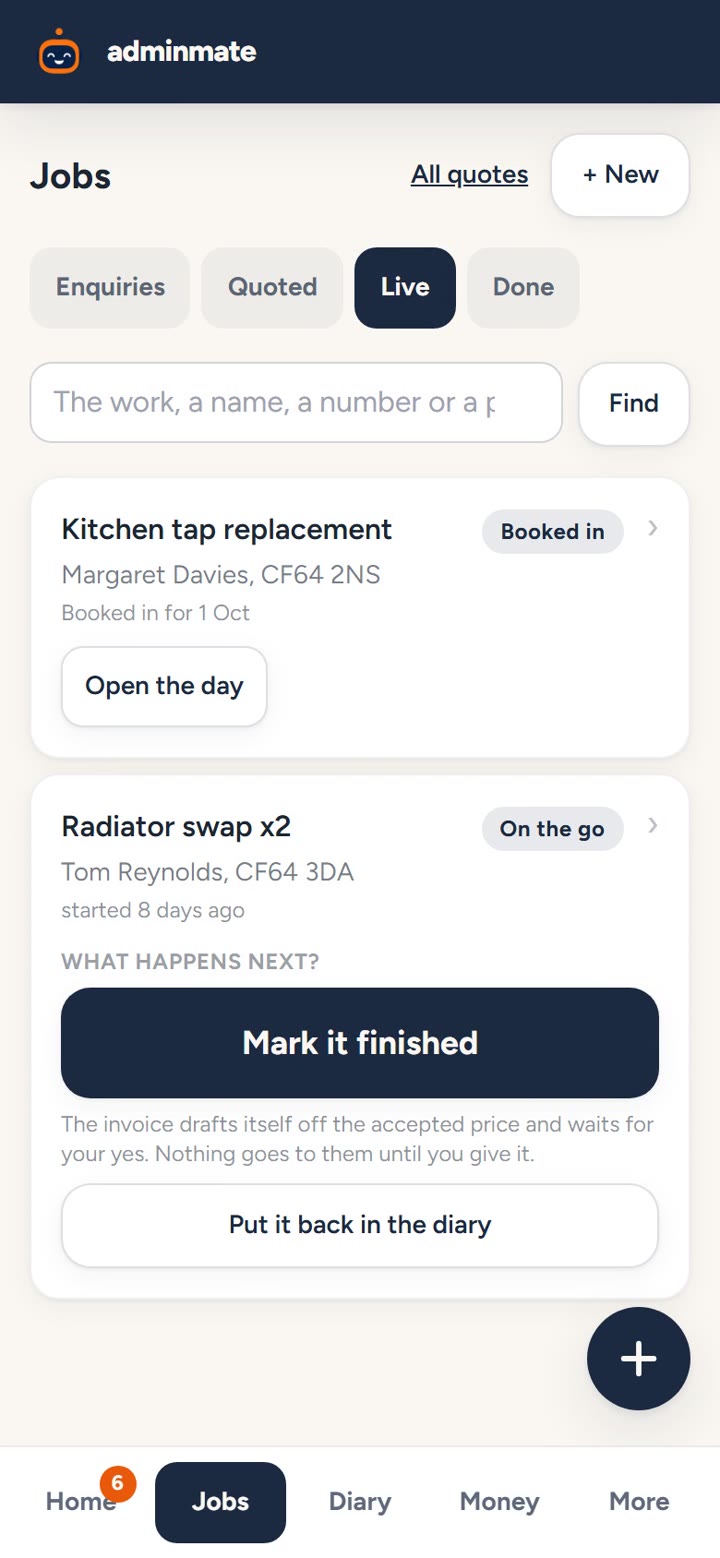
Send a quote from your own prices
How to send a quote from your own prices on your phone: price the job from your rates, see it as the customer will, and send it when you're happy.
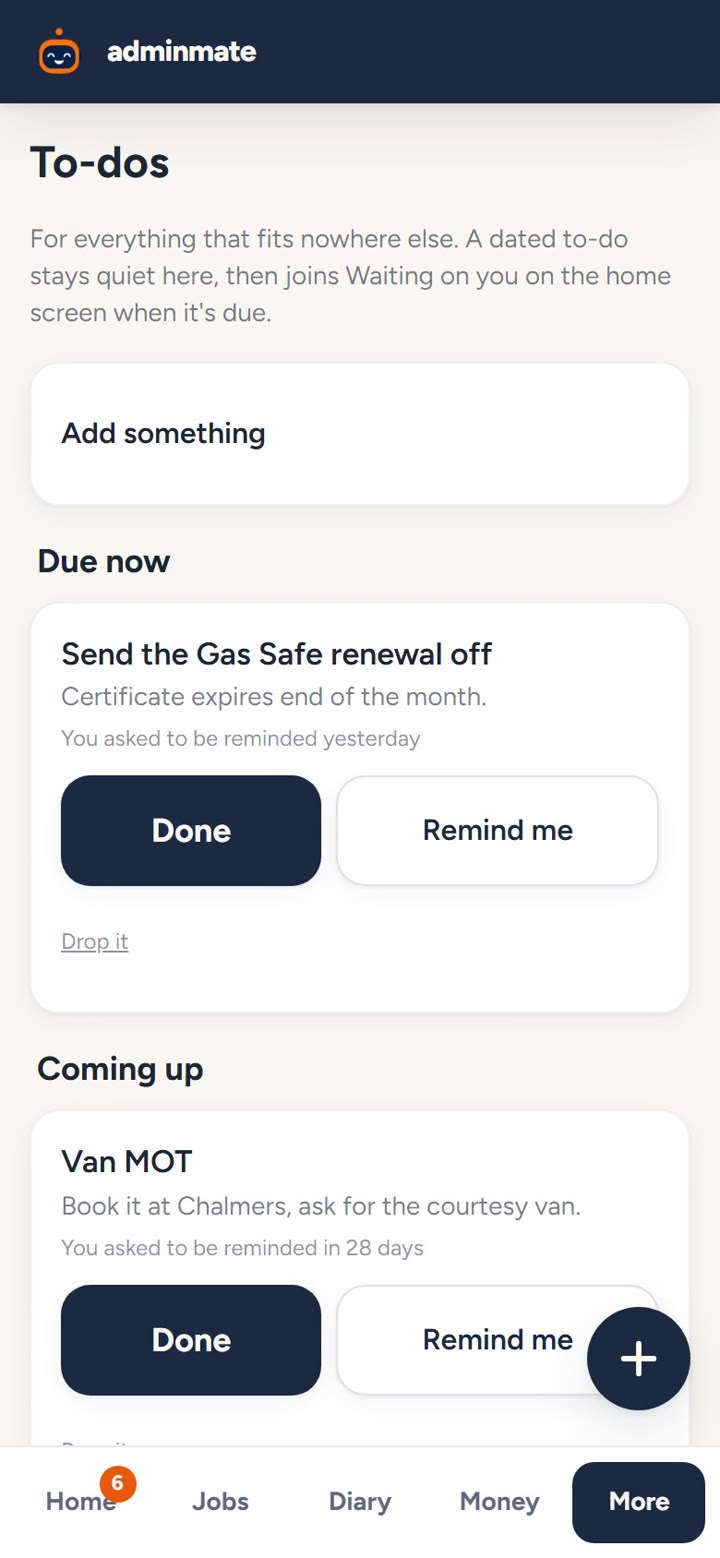
Keep track of what needs doing
How to keep track of call-backs and reminders for your trade business: one list of what's due now, what's coming up, and what can wait.
Fifteen minutes, and you see it run your office.
A real person shows you it working on a real job, then sets it up around your trade. No pressure, no card details.
Book a demo- From £24.99 a month
- The price you see is the whole price
- Cancel any time