How to
Send a quote from your own prices
How to send a quote from your own prices on your phone: price the job from your rates, see it as the customer will, and send it when you're happy.
Step by step
The steps
- Open the job.
- New quote. Your prices are ready to pick.
- Add the lines. The VAT is worked out.
- Ask for a deposit if you want one.
- See the quote as they see it.
- Approve and send it.
More clips
Watch next
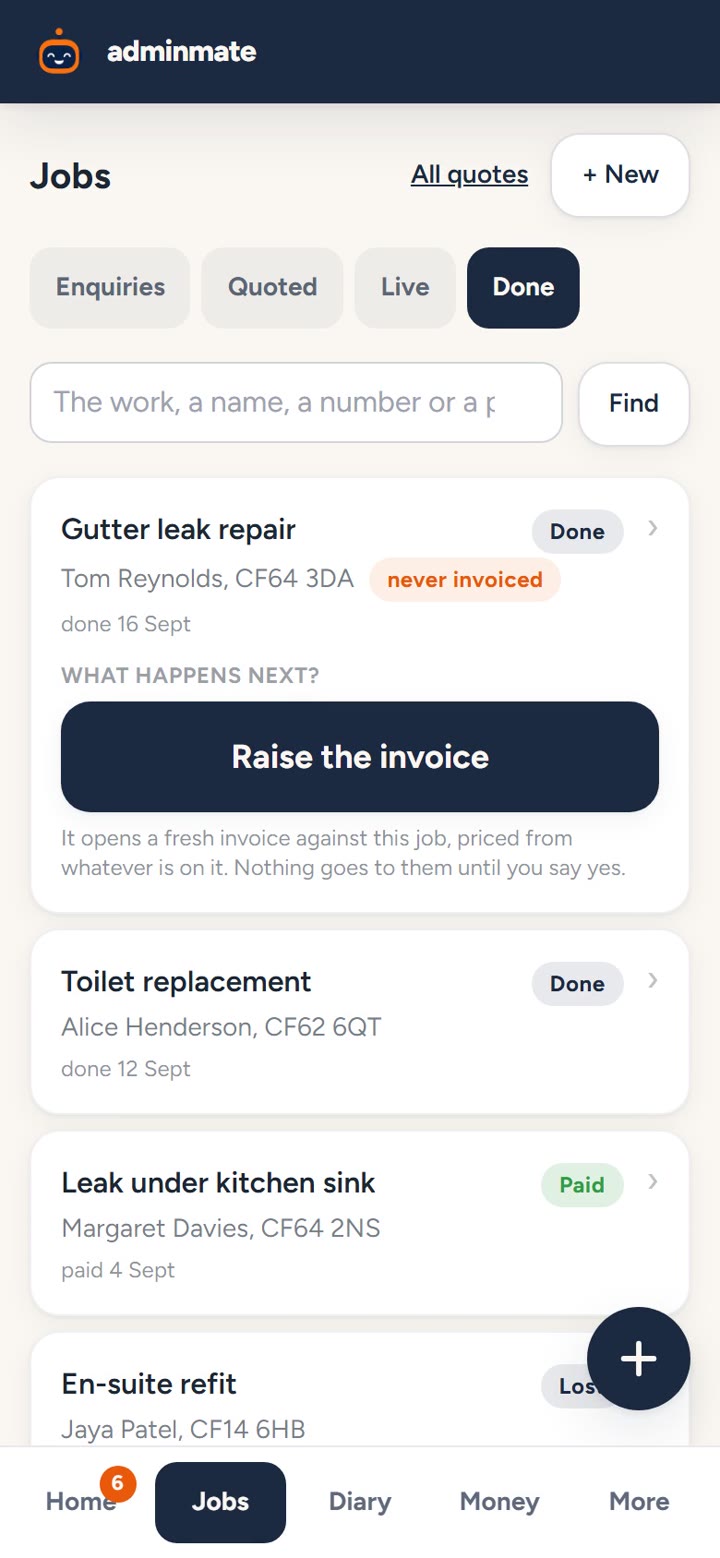
Turn a finished job into an invoice
How to turn a finished job into an invoice: mark the job finished, raise the invoice from the quote in one tap, check it, say yes, and it's sent.
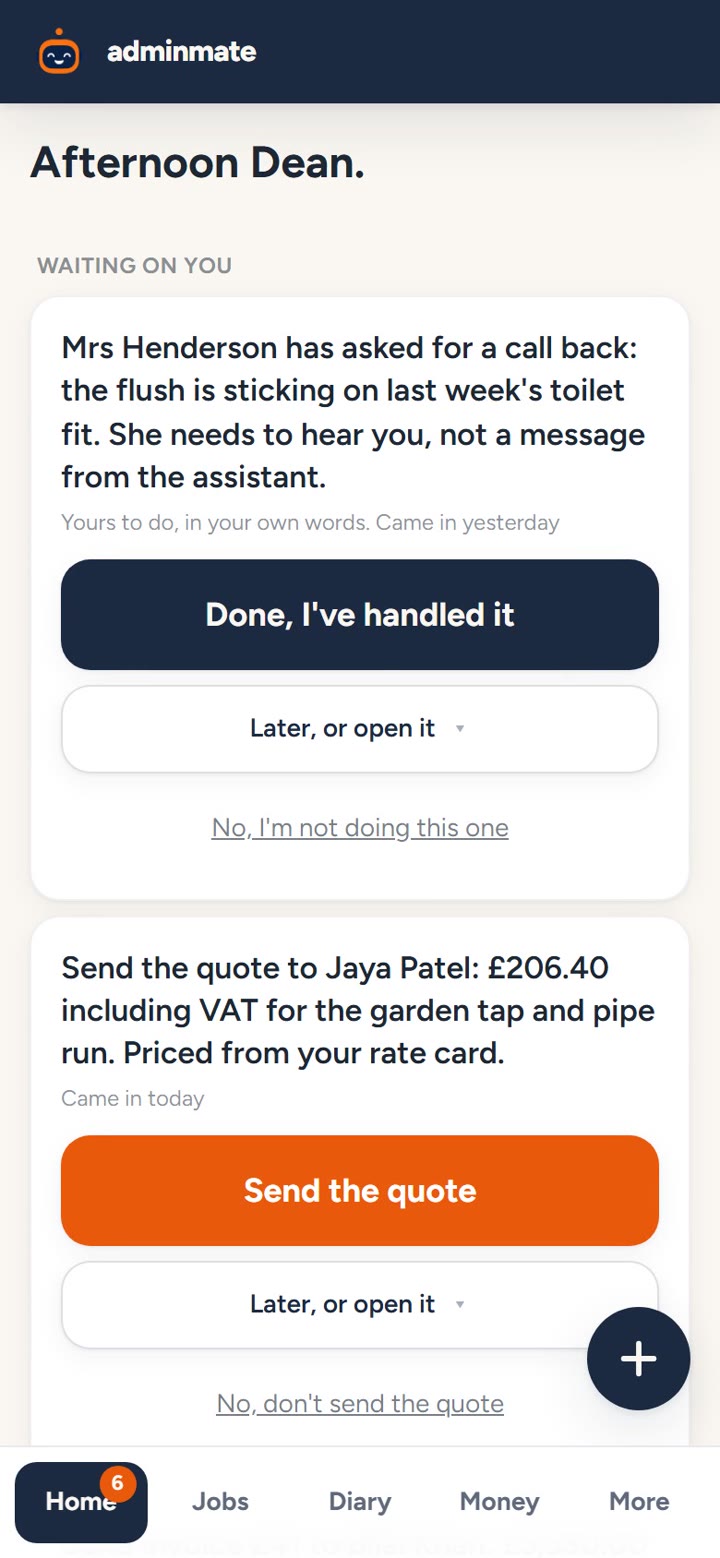
The full walkthrough: a day with Dean
Follow Dean, a plumber in Penarth, through one job: the call he couldn't take, the quote, the diary, the invoice and getting paid. Adminmate does the work; he says yes.
Fifteen minutes, and you see it run your office.
A real person shows you it working on a real job, then sets it up around your trade. No pressure, no card details.
Book a demo- From £24.99 a month
- The price you see is the whole price
- Cancel any time