
How to
The full walkthrough: a day with Dean
Follow Dean, a plumber in Penarth, through one job: the call he couldn't take, the quote, the diary, the invoice and getting paid. Adminmate does the work; he says yes.
Length 2:58Solo
The steps
- You're under a sink. The phone's ringing. And tonight there's quotes to write and money to chase.
- Adminmate does the admin. Dean just says yes.
- A customer rings. Dean can't pick up, so his assistant answers in his business name, takes the details, and sends him what it got.
- Every call is on his Calls screen, word for word. It never gives a price, and it only offers times he's opened.
- By the time he looks, Sarah's on his books, the job's there with everything she said, and it's waiting on him.
- Pricing it takes a minute. His own prices, the VAT worked out, and a deposit if he wants one.
- He sees exactly what Sarah will see. Nothing goes until he says so.
- Sarah gets a link. No app, no password. She reads it, and she accepts.
- Dean hears the moment she says yes. He picks a day, and it's in the diary.
- Her deposit goes straight to his bank. When it lands, one tap records it, and the reminders stop.
- Job done. One tap marks it finished, and the invoice writes itself from the quote. Again, it waits for his yes.
- Sarah's invoice has his bank details and a reference to pay with.
- If it's not paid, nothing is chased behind his back. It asks him first. Send the reminder, give her a few more days, or tell it she's paid.
- She pays. One tap, and the chasing stops.
- Every morning, the lot in one message. He replies with a number, and it's done.
- That's Adminmate. It answers the phone, does the paperwork, and waits for your yes.
Watch next
Run the whole team from one place
Length 3:30Team
The same job with a team of three: the office prices it, the owner says yes, the job goes to Owen's phone, and money decisions stay with the owner.
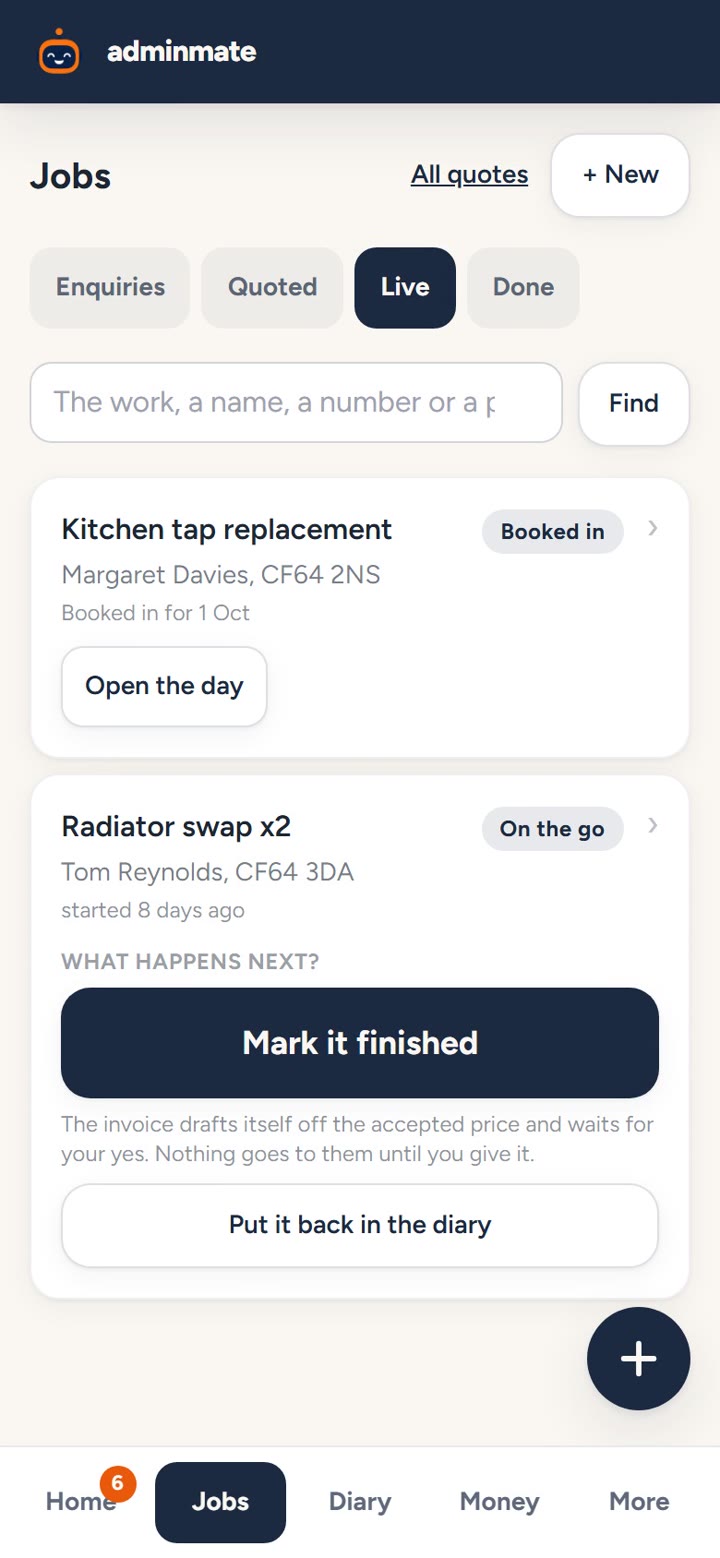
Send a quote from your own prices
Length 1:00Solo and Team
Price a job from your own rates, see it as the customer will, and send it when you're happy.
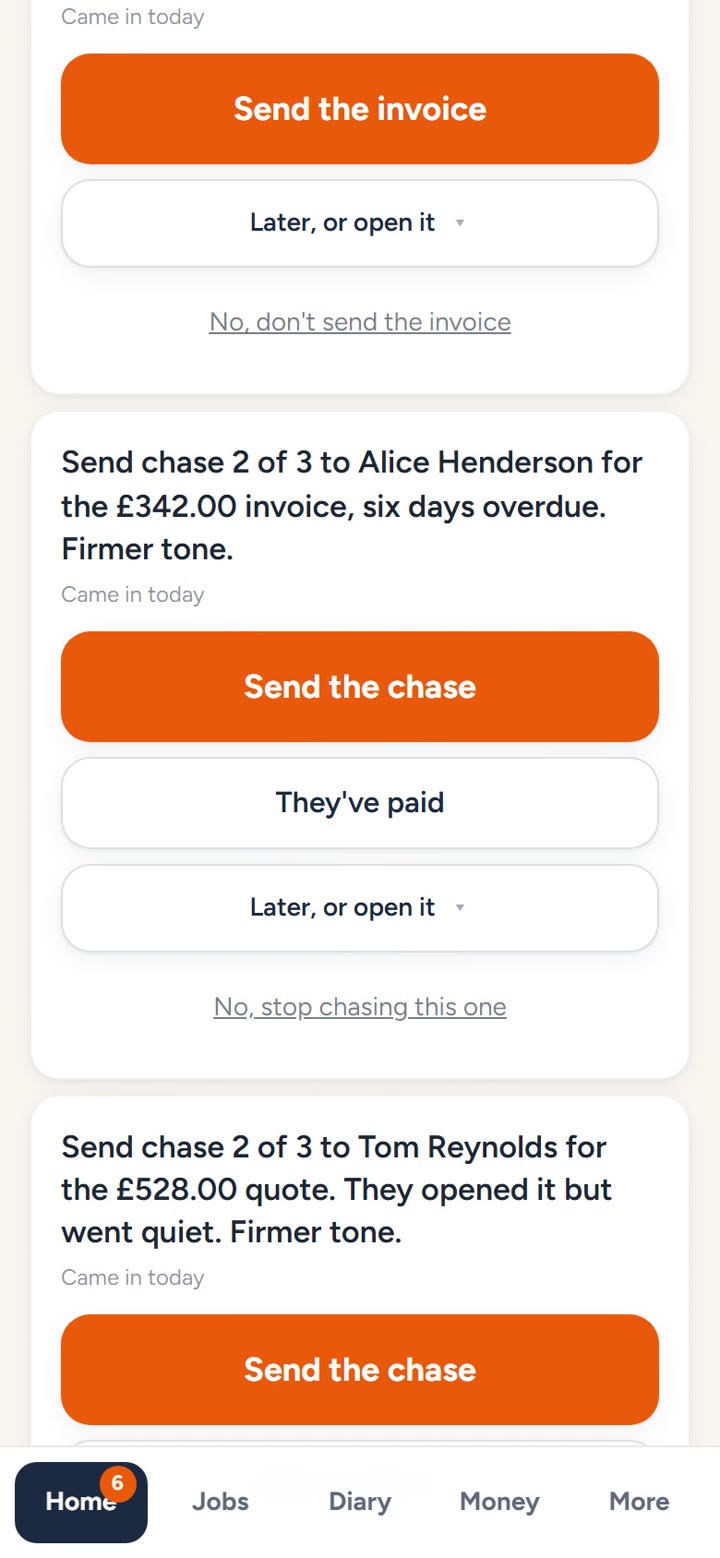
Get paid without chasing
Length 0:51Solo and Team
Nothing is chased behind your back. Approve a reminder, put it off a few days, record what's come in, or stop chasing.
Ready to stop missing work?
Meet the employee you can finally afford.
We set every account up on a call. From £99 a month, cancel any time.